

- Original Poster
- #1
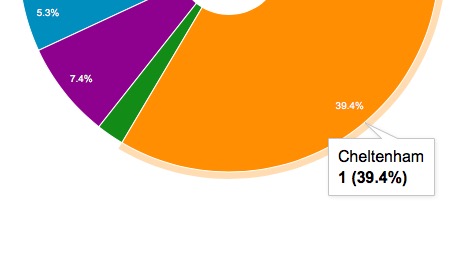
I have setup a Google Sheet which gathers data from Google Forms, this all works well. The pie chart I have setup just shows data from Column B (Locations) but when I hover over each section of the chart it shows 1 next to the percentage. This is not a count of that location so I am assuming it is how many data sources its getting the results from (column B so 1).
Is there a way to get rid of this number and replace with a count for that location? For example if someone has submitted Cheltenham 28 times it shows 28 (39.4%)
Thanks in Advance!
Is there a way to get rid of this number and replace with a count for that location? For example if someone has submitted Cheltenham 28 times it shows 28 (39.4%)
Thanks in Advance!
